
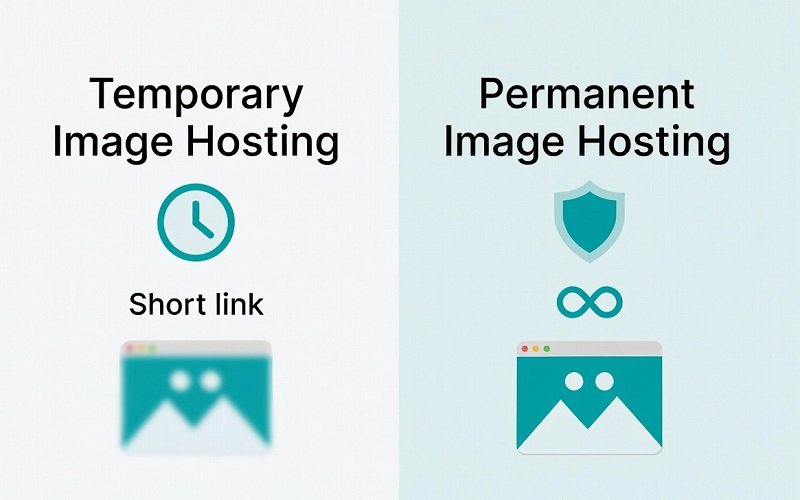
Need a clear answer on temporary vs permanent image hosting? Most people face this choice when they just want to share a screenshot or file quickly without creating accounts or worrying about long-term storage.
You upload an image. You get a link. Then you wonder: will this link still work next week, next month, or next year? That single question decides which type of host you should use.
What Temporary Image Hosting Really Means
Temporary image hosting keeps your file online for a limited time.
After that period ends, the system deletes the image automatically. Common timeframes range from a few hours to 30–60 days.
Real example: You take a screenshot of a bug, upload it, and send the link to a teammate. They open it the same day. After 30 or 60 days the link stops working. You no longer need the image, so the automatic deletion causes no problem.
Temporary hosts usually offer these benefits:
- No account required
- Fast upload process
- Clean short links
- Less risk of old private images staying online forever
What Permanent Image Hosting Offers
Permanent image hosting keeps your files online as long as the service stays active (and you follow their rules).
Some permanent hosts delete inactive accounts after months or years of no activity. Others keep files indefinitely if you maintain an account.
Real example: A designer uploads portfolio images and embeds them on a personal website. Those links need to work for years. Temporary hosting would break the website later.
Permanent hosts usually require:
- Account creation
- Email verification
- Sometimes a paid plan for full features
Key Differences at a Glance
| Feature | Temporary Hosting | Permanent Hosting |
|---|---|---|
| How long files stay | Days to a few months | Months to years (or forever) |
| Account needed | Usually no | Almost always yes |
| Best for | Quick shares & screenshots | Websites, portfolios, blogs |
| Privacy risk over time | Lower (auto-delete) | Higher (files stay longer) |
| Speed of getting a link | Very fast | Often slower |
When You Should Choose Temporary Image Hosting
Choose temporary hosting when speed and simplicity matter more than long-term availability.
Best situations:
- Sharing a screenshot in Discord, Slack, or Reddit
- Sending a quick mockup to a client for feedback
- Posting an image that only needs to live for a short discussion
- Avoiding account creation
Practical tip: If you know the image only needs to stay available for a few days or weeks, temporary hosting removes future cleanup work. You never have to remember to delete old files.
When You Should Choose Permanent Image Hosting
Choose permanent hosting when the link must keep working for a long time.
Best situations:
- Images embedded on a website or blog
- Portfolio or product photos
- Documentation that people will revisit months later
- Any file you might need to share again in the future
Practical tip: Always check the host’s deletion policy. Some “permanent” services still remove files after long periods of inactivity.
Common Mistakes People Make
Many users pick the wrong type without thinking.
- They use a temporary host for website images → links break later
- They create accounts on permanent hosts just for one screenshot → unnecessary friction
- They ignore the retention time and assume every link lasts forever
Simple rule: Ask yourself one question before uploading: “Will anyone need this exact link three months from now?”
If the answer is no, temporary hosting is usually the better choice.
Final Recommendation
Temporary vs permanent image hosting depends entirely on how long you need the link to work.
- Use temporary image hosting for quick, one-time shares. It stays simple and reduces long-term risk.
- Use permanent image hosting when the image must remain available for months or years.
If you mainly share screenshots, feedback images, or short-term content, a temporary service keeps things fast and clean.
Need a quick temporary link right now? You can try uploading on the homepage and get a short link in seconds.